

Google's requirements and Console wording change periodically. Where this article and your own Play Console disagree, the Play Console is authoritative.
You are a week into a closed test when a tester finds a crash. Fixing it means uploading a new app version, and that raises a practical question: will publishing the update restart the 14-day clock and push production access further away?
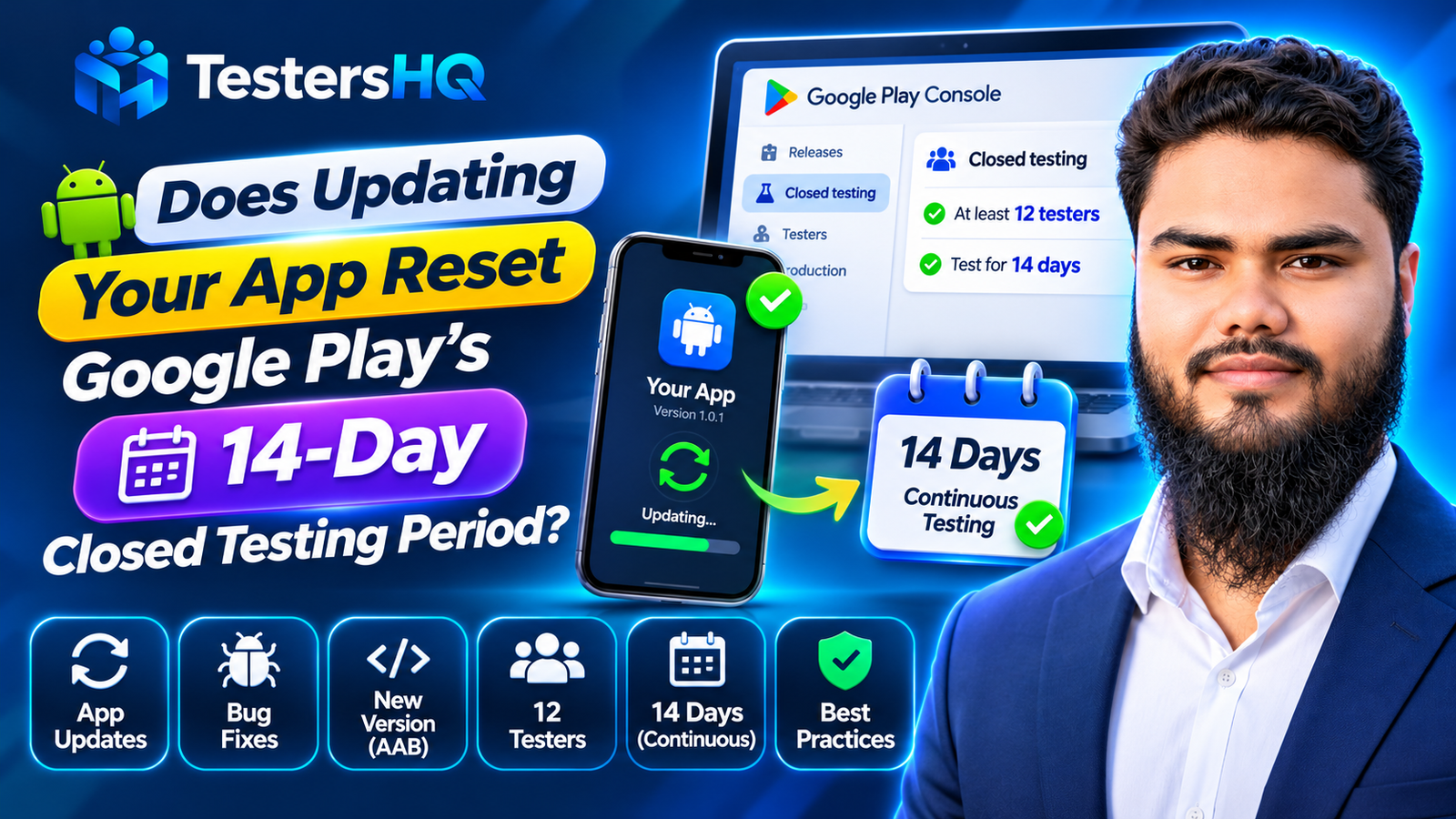
The short answer to whether updating the app resets the 14 day closed testing period is that Google's requirement is built around continuous tester opt-in, not a frozen build. That answer needs the nuance Google actually documents: what is explicit policy, and what is a reasonable reading.
Does updating your app reset the 14-day closed testing period?
Google does not say that uploading a new version automatically resets the 14-day period. The requirement is described as testers opted in continuously for at least 14 days, and Google recommends continuing the test while you resolve issues and update the app.
A normal bug-fix release on the same closed track does not, by itself, opt testers out or restart their continuous period. The app changes; tester participation does not.
That is an interpretation of how the rules fit together — not a quotation or an unconditional guarantee. Google publishes no blanket statement covering every update, track change, tester-list edit, or distribution configuration. If you change the test setup rather than the binary, verify tester status in Play Console.
Keep the two ideas separate: an app update changes the build testers run. Tester opt-in is an account-and-test relationship. The published 14-day rule is about the second one, while version codes and releases govern the first.
Understanding Google's 12 testers and 14-day requirement
Google requires personal developer accounts created after November 13, 2023 to run a closed test before an app can be distributed on Google Play. The published rule is at least 12 testers opted in continuously for at least the preceding 14 days. When those criteria are met, the developer can apply for production access.
The requirement is scoped to those newer personal accounts, not every Play Console account, so check your Dashboard and account type.
The 14 days are counted per tester. Google's FAQ says testers who opt in, test for fewer than 14 days, then opt out do not count. If a tester opts out and later back in, the 14 days must be consecutive. The requirement is checked when you apply.
For the eligibility rules in full, see the guide to the 12-testers and 14-day requirement.
What happens when you upload a new app version during closed testing?
You can publish a new release to an existing closed track while the test runs, which is how fixes, performance work, and UI corrections reach testers. Google recommends continuing closed tests while resolving issues and updating the app.
A typical update involves:
- building a new Android App Bundle (or APK for legacy apps) with a higher version code;
- creating a release on the same closed testing track;
- rolling it out to the existing tester configuration;
- letting testers receive the update through Google Play, then continuing the test on the new build.
Google Play updates an installed app when the available build has a higher version code and the user is eligible for that release. The test itself does not end because a new build arrives. In practice, developers should tell testers that an update exists, ask them to install it from Google Play, and confirm the version they are running before acting on feedback.
Do not avoid legitimate fixes to protect a timer. Shipping a known crash is worse than publishing a fix and verifying tester status. Release steps are in Prepare and roll out a release.
App updates vs. tester opt-in: what is the difference?
These concepts are easy to mix up because both change during a test. They are governed by different things.
| Concept | What it means | What changes it |
|---|---|---|
| App version | The build testers install, identified internally by version code and shown to users by version name | Building and publishing a new release |
| Closed testing release | A release distributed to a specific closed track | Creating, rolling out, or pausing a release |
| Tester access | Whether a person is eligible to receive the track's builds | Test list, Google Group, country targeting, track setup |
| Tester opt-in | The tester has accepted the test invitation with a Google account | The tester opting in or opting out |
| Continuous 14-day eligibility | Whether a tester's opt-in has remained unbroken for the required window | An opt-out, or a break in eligibility, during the window |
An update does not, by itself, change any tester's opt-in status. What can change it is the tester leaving the test, becoming ineligible for the track, or a configuration change that removes them from the audience. That is why the version code question and the 14-day question have different answers.
When can the 14-day tester requirement be interrupted?
Google explicitly documents the opt-out case: a tester who opts out before completing 14 consecutive days does not count, and a later re-opt-in starts a new consecutive run for that tester. Those are the clearest published rules.
Other practical situations can affect whether a tester is actually participating in the intended test:
- A tester opts out before 14 days. That tester's continuous period is broken and does not count toward the minimum.
- A tester opts out and rejoins. The 14 days must be consecutive after the new opt-in for that tester to count.
- A tester is not eligible for the intended track. The wrong Google account, a Google Group they have not joined, or an internal-test conflict can prevent access.
- A tester is in the wrong configuration. The test list, country targeting, or track setup may not include them as intended.
- Release or track changes create distribution problems. A paused track, a release not rolled out, or a build unavailable to the tester can stop them receiving updates.
The first two are Google's documented opt-in rules. The rest are troubleshooting observations: they explain why a tester may not be participating, but no published rule says such a mistake automatically resets every tester's timer. Check the tester status and release state. The tester-count troubleshooting guide covers common reasons.
Does changing the version code reset the testing period?
No. The version code identifies the build; it is not the tester's opt-in timer. Android's versioning documentation describes versionCode as a positive integer used internally to determine whether one version is more recent than another. Higher numbers indicate newer versions, and the system uses the value to prevent downgrades.
versionName is the string users see, such as 1.4.0. It does not control update eligibility. Android treats a build as an update when the application ID and signing certificate match and the version code is higher than or equal to the installed version; Google Play considers an app out of date when the available version code is higher.
You cannot upload a build with a version code you have already used. In practice, increase the version code for each release — usually monotonically — even for a small bug fix. Reusing a previously used code is not a shortcut to preserving a test; it is an upload conflict.
Best practices when updating an app during the 14-day test
- Keep the intended closed testing track active. Do not pause or replace the track testers are using.
- Publish the new release to the correct track. Confirm it is the same closed track, not a different test or production.
- Use a valid, higher version code. Never reuse a code already uploaded.
- Keep the existing tester configuration unless a change is genuinely necessary.
- Tell testers when a new version is available. Include the version name so reports can be matched to a build.
- Ask testers to update through Google Play. Confirm the installed version before accepting feedback on it.
- Ask testers to continue using the app and to report genuine observations.
- Monitor crashes, bugs, and user experience on the new build.
- Record feedback and the changes made for each release.
- Verify tester opt-in status before applying for production access.
The 14-day closed testing checklist turns these steps into a day-by-day record, including build and feedback tracking.
Example: a developer releases a bug-fix update on day 7
This is a hypothetical example, not a Google guarantee.
| Day | What happens | What to verify |
|---|---|---|
| Day 1 | 12 or more testers opt in and install the first build | Opt-in count and test start date |
| Day 7 | A crash is reported; a fixed build with a higher version code is published to the same track | Release is live and available to the testers |
| Day 8 | Testers update through Google Play and retry the affected flow | Installed version matches the new build |
| Day 14 | The original opt-ins remain unbroken and the test continues | 12+ testers continuously opted in for the preceding 14 days |
In this example, the app changed but nobody opted out, so the practical reading is that the original continuous opt-in period remains intact. If a tester had opted out on day 6 and rejoined on day 8, that tester's consecutive run would restart. The distinction is the tester's status, not the build number.
What should you check before applying for production access?
- 12 or more testers opted in continuously for the preceding 14 days, verified in Play Console.
- Genuine tester engagement with the app's features and important workflows.
- Feedback records showing what was received and how it was collected.
- Issues identified and fixed, with verification on the affected builds.
- A stable, production-ready app, including policy and content declarations.
- Accurate answers to the production access questionnaire, without invented testing evidence.
Completing the minimum tester and time requirement makes you eligible to apply; it does not guarantee approval. Google reviews each application separately. The production access questionnaire guide explains the three sections and what to prepare.
Frequently asked questions
Does uploading a new AAB reset the 14-day closed testing period?
Google does not document an automatic reset for a normal update on the same track. The published rule concerns continuous opt-in; treat this as an interpretation and verify in Play Console.
Can I fix bugs during the 14-day testing period?
Yes. Google recommends continuing closed testing while resolving issues and updating the app. A crash fix is part of the test.
Does changing versionCode restart the tester count?
No. The version code identifies the build. The 14-day requirement is tied to continuous tester opt-in, not to the app's version code.
Do testers need to update the app from Google Play?
Testers receive updates through Google Play when eligible. Ask them to install it and confirm the running version before acting on feedback.
What happens if one tester opts out and joins again?
Google states that the 14 days must be consecutive for that tester to count. A gap means their continuous period restarts after they opt back in.
Can I apply for production access immediately after 14 days?
For eligible accounts, once at least 12 testers have been opted in continuously for the preceding 14 days. The application must still be reviewed, and approval is not guaranteed.
Does updating the app guarantee production access?
No. An update can improve quality and strengthen your application, but Google decides the outcome. Meeting the testing requirement only makes you eligible to apply.
Official Google resources
Policy statements in this article come from these pages. Where a page disagrees with this article, the official page wins.
- App testing requirements for new personal developer accounts — the 12-tester and 14-day rule, application questions, and the opt-out/re-opt-in FAQ
- Set up an open, closed, or internal test — closed tracks, tester lists, opt-in links, and feedback
- Prepare and roll out a release — publishing a new release to a testing track
- Version your app — versionCode, versionName, and upload rules
- How app updates work — update conditions, application ID, signing, and version codes
Conclusion: fix the app, watch the opt-ins
The requirement that matters is continuous tester opt-in, not an unchanged build. Google recommends using the closed test to find and fix problems, and its published rules do not describe a normal same-track update as resetting the clock. It also publishes no unconditional guarantee for every configuration, so verify your tester list and release state.
Ship the bug fix, keep the track active, tell testers to update, and confirm that at least 12 testers remain continuously opted in before you apply. Then answer the production access questions honestly.
Need help running a properly documented closed test? Explore TestersHQ for developer-focused testing support and real tester feedback.