

Google's requirements and tooling change. Confirm the current rule in Play Console and the official page linked at the end before finalising a release plan.
Android has used 4 KB memory pages since its first release. Devices with more RAM increasingly benefit from larger pages, and Android 15 added support for 16 KB page sizes. The Google Play 16 KB page size requirement follows from that: apps shipping native code must be rebuilt to run on those devices.
The deadline is not immediate, which is why it gets postponed. Google's current documentation states that from February 1, 2027, updates without 16 KB support cannot be released on Google Play. Stale dependencies and native libraries already compiled into your APK will not fix themselves later.
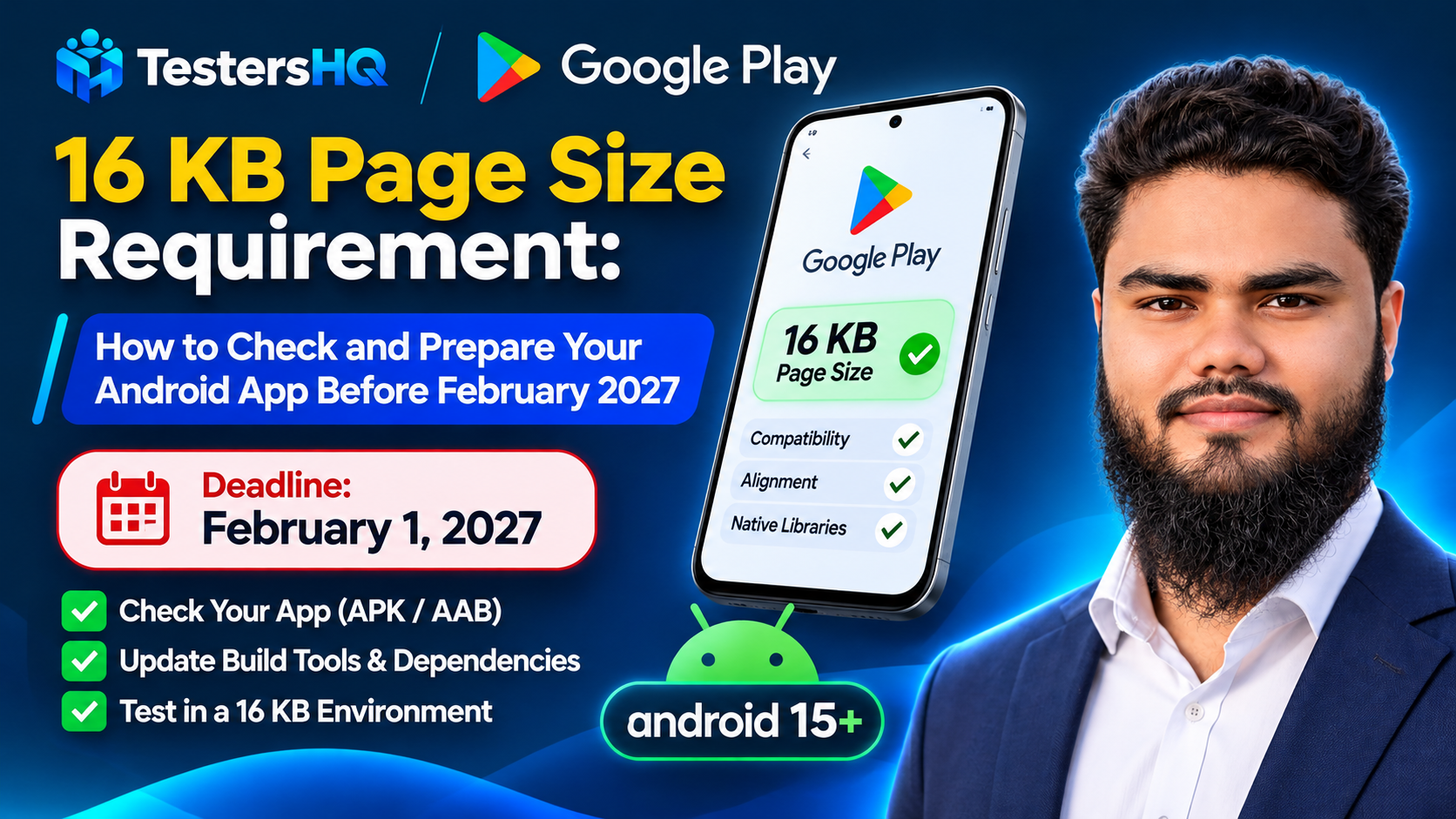
Deadline: from February 1, 2027, Google Play will not accept updates to apps targeting Android 15 (API 35) and higher unless they support 16 KB memory page sizes on 64-bit devices. Check your app in the Play Console app bundle explorer now, not in 2027.
What is a 16 KB memory page size?
A memory page is the smallest block of memory the operating system maps and protects at once. When a process asks for memory, the kernel hands it out in whole pages. On Android that unit has historically been 4 KB; on a 16 KB device it is four times larger.
Larger pages mean fewer page-table entries, fewer translation lookups, and better locality. Google's published measurements show faster app launches, lower power draw during launch, quicker camera starts, and faster system boot on 16 KB devices — with results varying by app and hardware.
Why native code matters: a compiled shared library declares how its segments should be loaded, including expected alignment. A library built for 4 KB alignment cannot be placed correctly by the loader on a 16 KB device. Java and Kotlin code run in the Android runtime and are unaffected — the alignment problem belongs to the native binary.
What is the Google Play 16 KB compatibility requirement?
Google's documented rule is specific about scope. Apps targeting Android 15 (API 35) and higher must support 16 KB memory page sizes on 64-bit devices. From February 1, 2027, updates from apps that do not meet this cannot be released.
Two clarifications that prevent most confusion:
- This is not the same as "Android 16". Android 15 introduced 16 KB support; Android 16 added a compatibility mode letting some 4 KB builds run on 16 KB devices. The Play requirement is about page-size support, not about targeting a particular OS version.
- It does not mean every app must change code. Google states that apps using only Java or Kotlin, including all their libraries and SDKs, already support 16 KB devices. Native code, or native libraries pulled in by third-party SDKs, may require rebuilding or dependency updates.
Note that Google's May 2025 announcement referenced an earlier compliance date. The current Support 16 KB page sizes documentation states February 1, 2027, and Play is the authority for enforcement. Confirm in the app bundle explorer rather than relying on any article, including this one.
Does your Android app need 16 KB page size support?
| App or dependency | What Google documents | Recommended action |
|---|---|---|
| Java / Kotlin only | Already supports 16 KB devices, including all libraries and SDKs used | Test for unexpected regressions; no rebuild required |
| Uses the Android NDK | Native code must be rebuilt for 16 KB alignment | Check ELF alignment; upgrade NDK or add linker flags |
| Third-party native SDKs | Prebuilt libraries may be incompatible depending on version | Check the SDK provider's current compatibility guidance |
| Flutter / React Native | Google's announcement names compatible framework versions; your plugins may still add native code | Verify the actual release artifact, not the framework alone |
| Unity / game engines | Engine-specific official guides cover 16 KB support | Verify engine version and every native plugin |
No framework is universally guaranteed here. A project can use a compatible framework version and still fail because one plugin ships an old prebuilt .so file. The artifact is the source of truth.
How to check whether your app uses native libraries
The quickest reliable check is APK Analyzer in Android Studio. It works on any APK, whether or not you still have the source.
- Open Android Studio and choose File > Open on any project.
- Select Build > Analyze APK….
- Choose the APK to inspect — ideally the signed release build you intend to upload.
- Expand
lib. Any.sofiles mean your app uses native code. - Read the Alignment column, which shows warnings for files with alignment problems.
No lib folder means no native libraries, so the requirement does not force a rebuild — though Google still recommends testing in a 16 KB environment for regressions.
A common surprise: lib contains one folder per ABI, such as arm64-v8a and x86_64. The 64-bit ABIs are what this requirement targets, which is why the rule is scoped to 64-bit devices.
How to check 16 KB alignment
Alignment is checked in two places, and passing one does not prove the other. ELF alignment concerns the library's internal segments; ZIP alignment concerns how it is stored inside the APK.
ELF segment alignment
Google recommends the APK Analyzer first. If a shared object is not 16 KB aligned, its Alignment column shows a warning.
On Linux or macOS you can script the check with Google's check_elf_alignment.sh, which prints ALIGNED or UNALIGNED for each arm64-v8a library. Without the script, extract the APK and run llvm-objdump from the NDK on each .so file:
llvm-objdump -p SHARED_OBJECT_FILE.so | grep LOADEvery LOAD line should report align 2**14. A value of 2**13 or lower such as 2**12 means the library was built for 4 KB pages and must be rebuilt.
RELRO alignment
There is a second, subtler failure that produces runtime segmentation faults rather than load errors. If the GNU_RELRO segment ends inside a page that also holds writable data, the linker marks that whole 16 KB page read-only and the app crashes with SIGSEGV on the next write. This typically affects libraries built with NDK r27 or lower without the right flags. The APK Analyzer reports RELRO alignment directly, and Google's page documents the formula with four worked llvm-readelf examples.
ZIP alignment
Verify the packaged artifact, not just the library:
zipalign -c -P 16 -v 4 APK_NAME.apkThe last line reads "Verification successful" when every shared library is correctly aligned. For bundles, bundletool dump config --bundle=my.aab | grep alignment prints PAGE_ALIGNMENT_16K or PAGE_ALIGNMENT_4K. Checking the AAB matters because Play builds device APKs from it — a local APK can look fine while the bundle produces unaligned output.
Fixing the build
Google's tip is worth quoting as a plan: with AGP 8.5.1 or higher, NDK r28 or higher, and 16 KB-compatible prebuilt dependencies, your app is compatible by default and you can move straight to code and runtime checks.
- Packaging — AGP 8.5.1 or higher. Needed so uncompressed shared libraries are aligned on a 16 KB ZIP boundary. In AGP 8.3–8.5 apps are aligned by default, but
bundletooldoes not zipalign APKs by default, so a build can work locally and still fail when installed from Play. - If you cannot upgrade AGP, switch to compressed shared libraries with
packagingOptions { jniLibs { useLegacyPackaging true } }. On AGP 8.0 or lower, also setandroid.bundle.enableUncompressedNativeLibs=false. - Compilation — NDK r28 or higher aligns 16 KB by default. On NDK r27 or lower, add
-Wl,-z,max-page-size=16384and-Wl,-z,common-page-size=16384to your ndk-build or CMake linker options. - Prebuilt libraries must be rebuilt the same way and reimported. A compatible app can still contain one incompatible prebuilt dependency.
Code that assumes a 4 KB page
Alignment alone is not enough. Google documents two code patterns to remove: hard-coded PAGE_SIZE or 4096 values, and mmap() calls depending on a specific page size. Use getpagesize() or sysconf(_SC_PAGESIZE). On NDK r27 and higher, PAGE_SIZE is undefined in 16 KB mode, so the build surfaces these uses.
Custom memory allocators deserve a look too. If your engine or runtime ships its own slab allocator, hard-coded purge thresholds and 4 KB-aligned pools can pin far more physical memory than intended. Google's guidance covers scaling thresholds at runtime, allocating from the densest page first, aligning pools to 16 KB, releasing cached large buffers immediately, and zeroing on free().
Testing in a 16 KB environment
Build compatibility is a claim; behaviour on a 16 KB device is the evidence. Google recommends testing after rebuilding even when the build reports clean.
- Install the Android 15 SDK or higher.
- In Tools > SDK Manager > SDK Platforms, enable Show Package Details, expand the Android 15 section, and select a 16 KB page size system image — the ARM 64 v8a image for emulating a Pixel device.
- Create a virtual device with that image; it appears under Other Images if not suggested.
- Boot it and confirm:
adb shell getconf PAGE_SIZEmust return16384. - Install the build and run your main journeys.
- Watch startup, native library loading, camera, media, and any custom memory allocator.
- Rebuild and repeat after fixes.
Alternatives Google documents include Cuttlefish images, the Boot with 16KB page size developer option on supported Pixel devices, and Samsung Remote Test Lab on 16 KB supported devices. If a device reports 4096, you are not testing what you think you are.
Flutter, React Native, and game engines
Google's announcement states that React Native and Flutter already offer compatible versions, and that Unity supports 16 KB with Unreal support described as coming at the time of writing. Treat those as starting points, not clearances.
- Flutter and React Native: the engine may be compatible while a plugin bundles an old native library. Check the built artifact.
- Unity: Google links to a Unity-on-Android guide covering 16 KB support; verify your engine version and every native plugin.
- Unreal: check the current status in the official Unreal guide rather than an article date.
The same rule applies to every SDK: Google states some prebuilts or versions are not 16 KB compatible, and that you should check each provider's documentation for the version to use.
Common 16 KB compatibility problems
These are plausible scenarios to investigate, not guaranteed symptoms with a single cause.
| Problem | Possible cause | What to investigate |
|---|---|---|
| App fails to start | An incompatible native library cannot load | Inspect every .so in lib/, including ones brought in by SDKs |
| Alignment warning in the IDE | ELF or ZIP alignment not applied | APK Analyzer plus AGP and NDK versions |
| Works locally, fails from Play | AAB packaging differs from your local APK | Bundle alignment with bundletool, and AGP version |
| Crash after a write | RELRO end not aligned, writable data in the same page | RELRO status in APK Analyzer; NDK version used to build the library |
| Behaves differently by device | Code assumes a fixed page size | Search for PAGE_SIZE, 4096, and page-aligned mmap arguments |
| Higher memory use than expected | Custom allocator tuned to 4 KB pages | Purge thresholds, pool alignment, and buffer caching |
Developer checklist before February 1, 2027
| ✓ | Task | How to confirm |
|---|---|---|
| ☐ | Check whether the release APK contains native libraries | APK Analyzer lib/ folder |
| ☐ | Inventory every third-party SDK that ships native code | Dependency list cross-checked against each provider's guidance |
| ☐ | Verify ELF alignment for 64-bit libraries | align 2**14 on every LOAD segment |
| ☐ | Check RELRO alignment | APK Analyzer RELRO column |
| ☐ | Verify ZIP alignment of the shipped artifact | zipalign -c -P 16 -v 4 and bundletool dump config |
| ☐ | Upgrade AGP and NDK where needed | AGP 8.5.1+ and NDK r28+, or documented alternatives |
| ☐ | Remove hard-coded page-size assumptions | Search for PAGE_SIZE and 4096 |
| ☐ | Test on a verified 16 KB environment | adb shell getconf PAGE_SIZE returns 16384 |
| ☐ | Recheck the final uploaded artifact | Play Console app bundle explorer compliance report |
For the wider release-quality picture, see real device testing across different devices and the pre-launch report guide, which explains how crashes and ANRs surface after you upload.
Frequently asked questions
What is the Google Play 16 KB page size requirement?
Apps targeting Android 15 (API 35) and higher must support 16 KB memory page sizes on 64-bit devices. From February 1, 2027, updates without that support cannot be released.
When does the requirement take effect?
Google's current documentation states February 1, 2027. An earlier announcement referenced an earlier date, so confirm the status in Play Console before planning around it.
Does every Android app need to rebuild?
No. Apps using only Java or Kotlin, including their libraries and SDKs, already support 16 KB devices. Rebuilding is needed when native code or SDK-bundled native libraries are present.
Are Java and Kotlin apps already compatible?
Yes, per Google's documentation. Testing in a 16 KB environment is still recommended to catch unrelated regressions.
How do I check whether my APK contains native libraries?
Open it in Android Studio via Build > Analyze APK and look for .so files in lib/. No lib folder means no native code.
Does Flutter need 16 KB page size support?
Google lists Flutter among frameworks with compatible versions. Plugins can still add native libraries, so verify the built artifact rather than the framework name.
Is Android NDK r28 enough?
r28 and higher align 16 KB by default. Necessary but not sufficient: AGP, prebuilt dependencies, and code assuming 4 KB pages still matter.
How do I test an app in a 16 KB emulator?
Install a 16 KB system image via the SDK Manager, create a virtual device from it, then confirm adb shell getconf PAGE_SIZE returns 16384 before installing.
Can an incompatible native SDK cause problems?
Yes. Google notes some SDK prebuilts or versions are not 16 KB compatible, and that you should check each provider's guidance.
What happens if an app update is not compatible by the deadline?
Google states you will not be able to release those updates. Existing installs are not removed by the policy, but shipping fixes becomes impossible — the more practical risk.
Official resources
Every requirement and command here comes from these pages. Where a page disagrees with this article, the page wins.
- Support 16 KB page sizes — the Play requirement, APK Analyzer steps, alignment commands, build guidance, testing environments
- Android 16 behavior changes — the 16 KB compatibility mode and
android:pageSizeCompat - Android 16 migration guide — wider migration context
- Google Play 16 KB announcement — framework support notes and the app bundle explorer check
- Unity on Android: 16 KB page support — engine-specific guidance
Conclusion: check the artifact, not the assumption
Most of the work here is diagnostic rather than creative. Find out whether your release contains native libraries, check their alignment, update the toolchain and any stale prebuilt dependencies, then prove it on a device that actually reports a 16 KB page size.
Two habits keep this from becoming a last-minute problem: treat third-party SDK updates as part of your dependency hygiene, and re-run the alignment checks on the final signed artifact, because that is the file Play builds from.
Need structured testing support — real devices, compatibility coverage, and documented feedback before a release? Explore TestersHQ. We do not guarantee Play approval or any specific test outcome.